The Virtual Private Network (VPN) tool allows you to connect to the internal Hopkins network as if you were on campus on the wifi or plugged into a wired connection. Being on the internal Hopkins network grants access to many protected data sources, systems, and tools that are kept protected from the public Internet. Of particular interest to student, access is available to our software licensing servers so that homework projects and research can happen when off campus.
VPN access is available to all people with JHED directory accounts at Johns Hopkins, but it is not enabled by default. Obtaining access is a two-step process. First, you must apply to have access granted, and then must download and install the client software to make the secure network tunnel to the Hopkins network. If you just download the software but have not yet applied for access the VPN won’t work. Approval is very quick, but necessary.
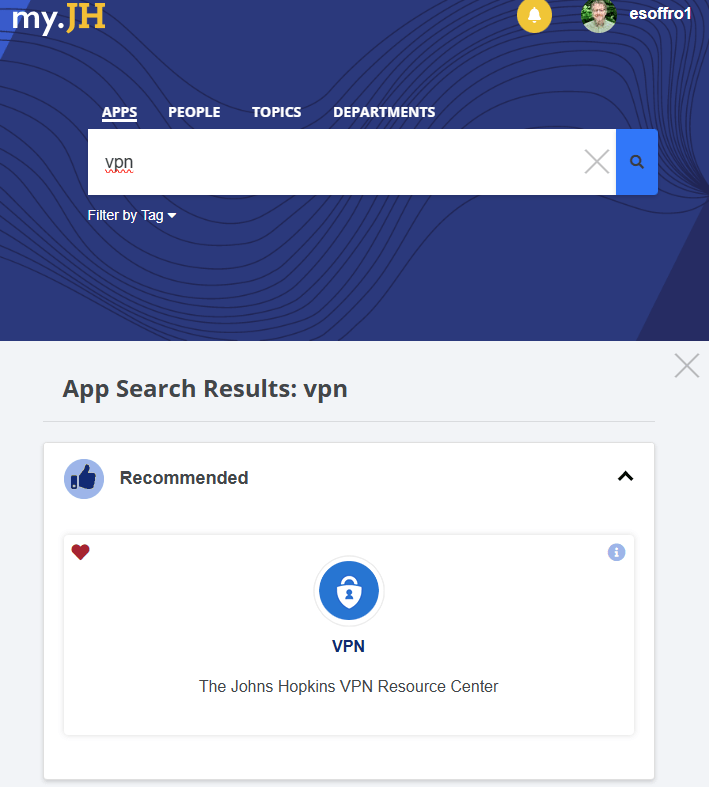
First, go to MyJH and search on VPN to find the VPN Resource Center.
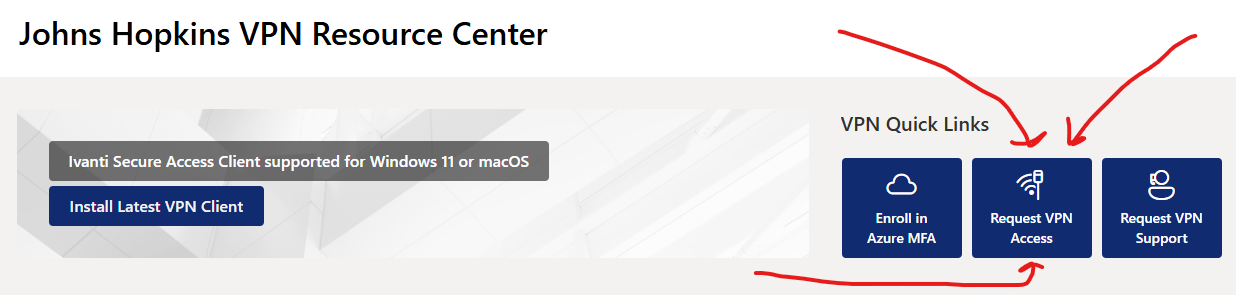
In the VPN Resource Center, click the tile to Request VPN Access.
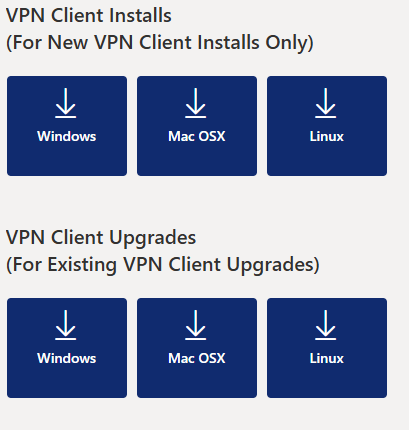
You can now download and install the VPN software for your operating system.