People are super excited about generative AI tools and large language models (LLMs) like ChatGPT, Claude, and Llama. Here is some info about these tools at JHU. This is a fast-moving area, with features and availability changing almost weekly, so WSE affiliates should please contact us at wsehelp@jhu.edu if you want the latest. If you’re not WSE affiliated you should contact your local IT support team (we still think you’re awesome, but we won’t be able to help you out).
BE EXTREMELY CAREFUL about what information you use with generative AI tools! Most of them will use the information you provide to them for additional training information, which may result in your content being replayed to future generative AI users. DO NOT USE PHI / PII / JH proprietary information with any of these tools unless you are absolutely certain of how your provided information might be saved or used.
Hopkins has released enterprise-wide guidance for AI:
- Guidelines for the responsible use of GenAI outline the enterprisewide guidance in place to ensure these technologies are used safely, ethically, and in compliance with existing policies.
- Use approved GenAI tools and connect with JHU IT before procuring new ones. The university is working to ensure that AI tools procured on behalf of JHU meet our privacy and security standards. If you have procured or are considering acquiring such a tool, please contact IT via this form.
- Protect confidential data. Do not enter proprietary JHU data—including clinical, financial, or business records—into third-party, unapproved GenAI tools. These tools do not guarantee privacy, and sharing proprietary or sensitive data with unauthorized parties violates university policies (see the University Policy on Acceptable Use and Security of Johns Hopkins Information Technology Resources and the University Code of Conduct).
- You are responsible for any AI-generated content that you produce or publish. AI outputs can be inaccurate and misleading, may contain copyrighted material, or be entirely fabricated. Always review and verify content before sharing it.
- If you use AI to develop an application used by anyone other than yourself (really, if you develop ANY application, but this is an AI page) you should be familiar with the Risk Assessment standards.
- Adhere to current university policies. The use of GenAI is subject to existing university policy, including codes of conduct, information technology resources policies, and academic integrity policies. Students should consult instructors before using GenAI in coursework.
- Enterprise agreements for other tools and providers are always being reviewed. If you don’t see an option listed here write to wsehelp@jhu.edu to get an update on the absolute latest.
First Stop for GenAI users:
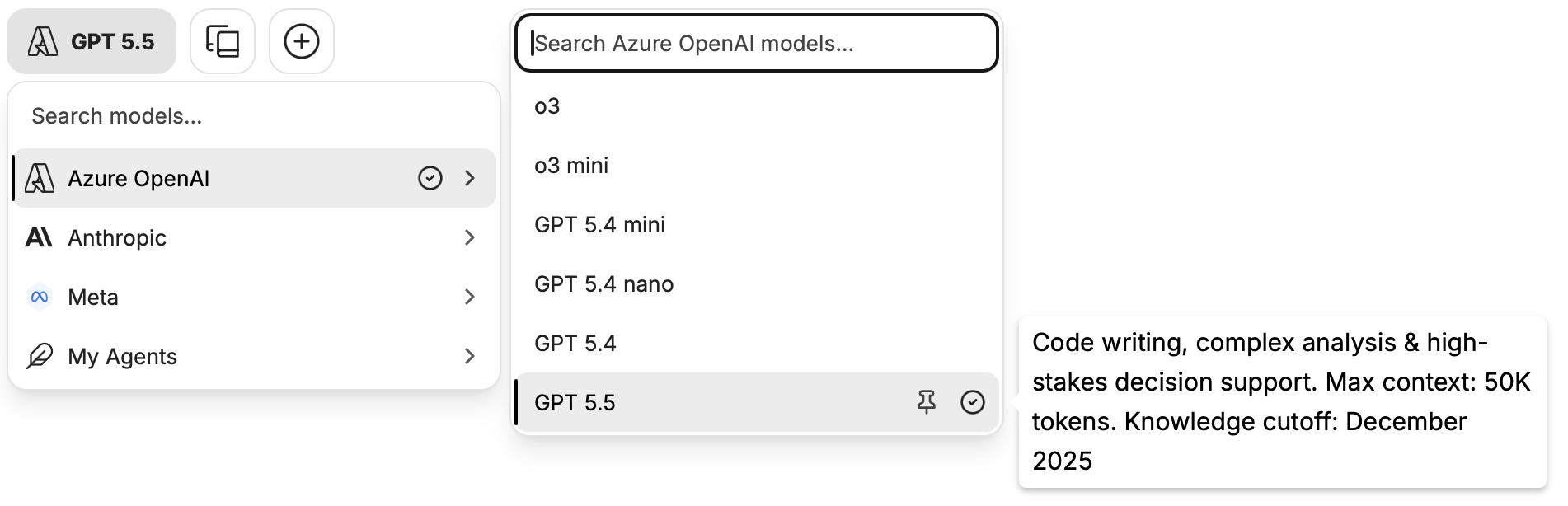
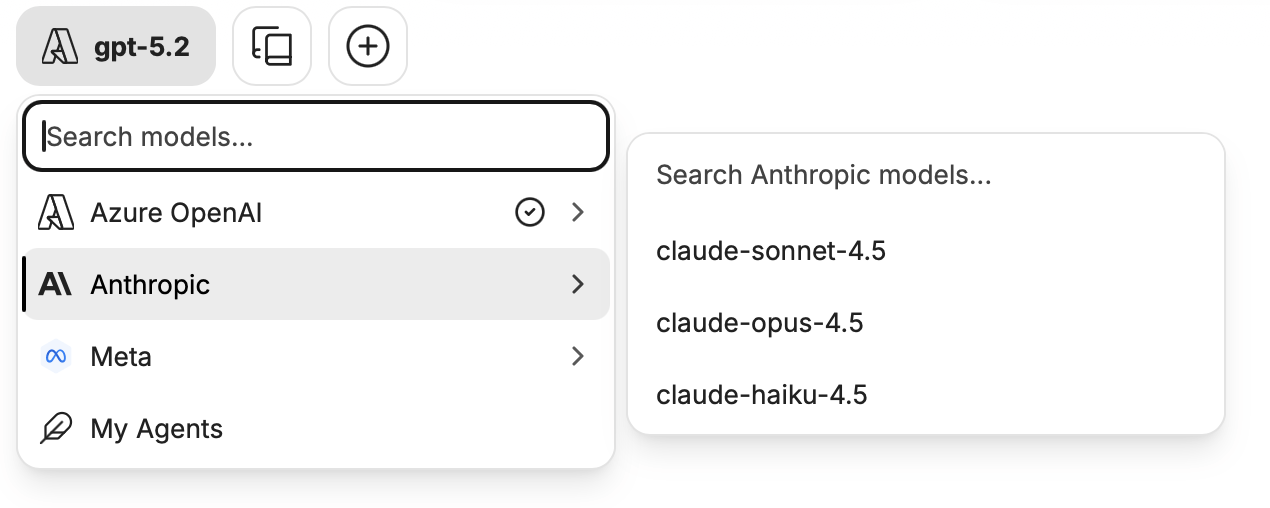
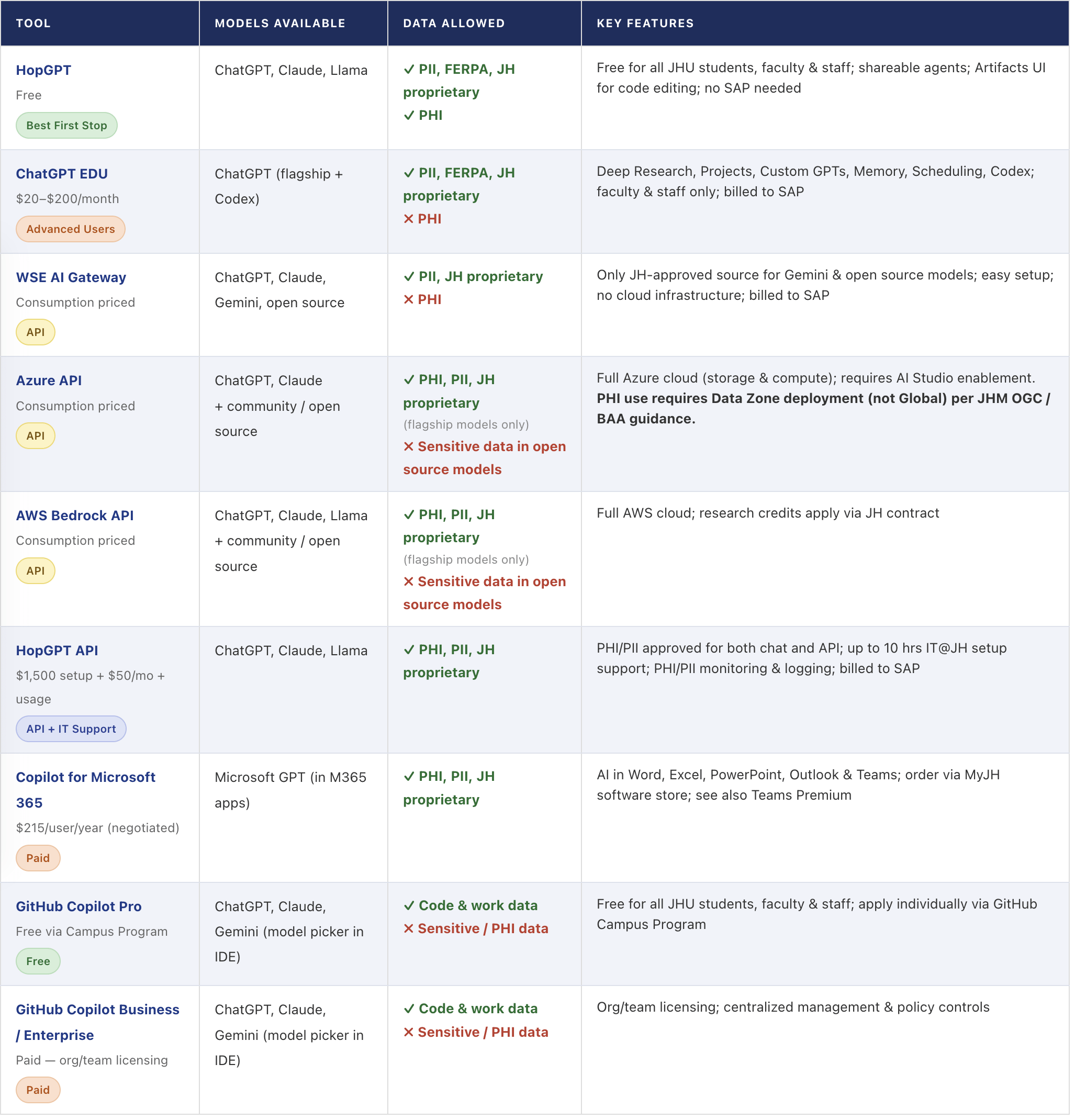
The first stop for WSE students, faculty, and staff should be HopGPT (formerly known as the Hopkins AI Lab, or HAL). It should meet the needs of most JH users and is free to use. The system provides access to multiple large language models (LLMs), including OpenAI’s ChatGPT, Claude from Anthropic, and Llama from Meta — all accessible through a single AI chat interface. It can be configured into agents, with information provided by users, which can be shared between teams. Check the user settings by clicking on your name to uncover goodies such as the Artifacts UI for enhanced code editing. Documentation for the Hopkins AI Lab is available on their resources page. The library has information about using AI for research and scholarship.
For Advanced Users:
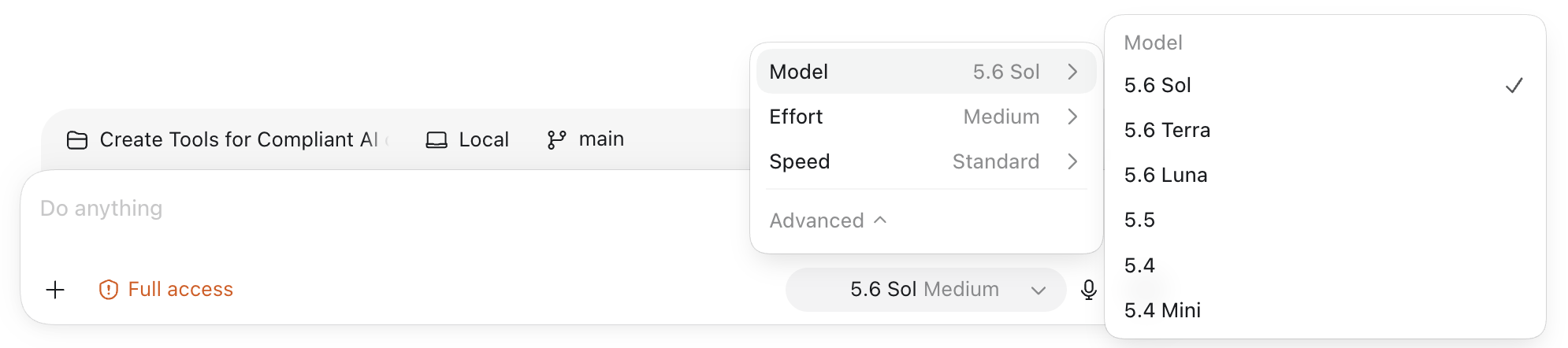
For faculty and staff users who need advanced capabilities (bleeding-edge models or “research” functionality), ChatGPT EDU is now available for WSE faculty and staff. It compares with the enterprise version of ChatGPT, but when added through us has important legal coverage for your use that a personal subscription will not. ChatGPT EDU has Codex support, Deep Research, Projects, Custom GPTs, Memory, and Scheduling. It’s configured with the security and privacy controls required for using GPT technology with sensitive data like PII and student information, but cannot be used for PHI or other healthcare info. Here is CMTS’ page about how to sign up for ChatGPT EDU. The charge ranges from $20 to $200 per month based on usage tiers, and is billed to your SAP charge code.
API Access to AI:
- API access is available from several sources for integration to tools or your own code. API usage is in all cases consumption based, so while there is (usually) no recurring subscription charge every use will incur a small charge to an SAP code. It’s generally intended for very technical users like programmers or data scientists.
- The WSE AI Gateway service for API access is also available at https://gateway.engineering.jhu.edu. It provides access to models from several different providers, including Anthropic, OpenAI, Google, and open source models. The API Gateway is approved for use with sensitive data but not for PHI. It is currently the only way to get access to Google Gemini models or community / open source models at JH with legal protections. It is simple to get started with, but does not have supporting cloud infrastructure (storage or compute) that the Azure and Amazon options below have available. Pricing for Cloudflare hosted models is available on this page. For details on other flagship models (OpenAI, Anthropic, Goolgle) that are hosted by the model providers, see the model cards inside your project. Those prices will be the same as you would find at the model providers’ own pages.
- JH has an agreement with Microsoft’s Azure cloud compute platform, and OpenAI and Claude APIs are available. The AI Studio tools need to be enabled in your Azure instance, so if you already have a JH Azure instance you will need to request them to be added. Any type of information (PHI / PII / JH proprietary) may be used in flagship models (like ChatGPT and Claude) in Azure, but models that may encounter PHI must be deployed in the Data Zone (not Global) to comply with JHM OGC guidance under our BAA with Microsoft. Sensitive info should not be used in community / open source models. Questions about Azure access should be addressed to wsehelp@jhu.edu.
- JH has an agreement with Amazon’s AWS cloud compute platform, and in their Bedrock service you can get API access to models like ChatGPT, Claude, and Llama. It will also have the rest of the cloud infrastructure available if that’s important for your project. If you have research credits for using AWS, using them through the JH contract will get you better pricing, connectivity, and legal protections. Any type of information (PHI / PII / JH proprietary) may be used in flagship models (like ChatGPT and Claude) in AWS, but sensitive info should not be used in community / open source models. Questions about AWS access should be addressed to wsehelp@jhu.edu.
- For users needing API access who also want support on making use of APIs, the HopGPT team has an option. The startup fee for support is $1500 with a monthly charge of $50. Details are available at https://hopgpt.it.jh.edu/api-access/. API access through HopGPT without the support option will also be available soon.
Even more options:
- Hopkins has been negotiating with Anthropic for access to Claude. There was a recent announcement that Claude will soon be available inside Hopkins. The license and procurement are complete for JHM. The license is complete but the procurement is not yet finished for the University. For both, the technical deployment steps are still being worked through and there is no timeline, pricing, or feature breakdown yet available.
- Hopkins has also been working on their own agreement with OpenAI for ChatGPT. This is a separate effort from the ChatGPT EDU already available to WSE users. At this point they’re independent projects.
- Zoom’s AI Companion is available to all WSE Zoom users.
- JH also has options such as Copilot for Microsoft 365 and Teams Premium. Click those links for Microsoft’s latest product information, but keep reading for purchase information. There is a recurring per-user flat fee to access these services, which are available in the MyJH software store. Any type of information (PHI / PII / JH proprietary) may be used in Copilot for Microsoft 365. The price of Copilot is $215/user/year. (If you paid more in the past, the new price will be applied at renewal. This is a special, negotiated discount.)
- All JHU students, faculty, and staff are eligible to apply for the GitHub Campus Program benefit that includes access to GitHub Copilot Pro. Here are instructions to apply (faculty and staff should apply as “teachers”). There is no way to automate this for your team — each individual needs to apply on their own using their institutional email address and their JHU ID card or employment verification letter. Please check the GitHub website for availability, the latest list of options, and the feature matrix.
- You can license GitHub Copilot Business or Enterprise to your Org user(s)/team(s). Please complete the GitHub Paid Add-Ons form on the OSPO website to indicate your interest.
- Apple users might want to check out their list of resources available at Supercharge AI Research for Higher Education.
- Other generative AI tools are available in Adobe Creative Cloud, for example Adobe Firefly. Creative Cloud is available as a subscription in the software section of MyJH.
Summary:
Words of Advice for AI users:
- These tools can seem like magic. Understanding a little about how they work can help you know what kinds of problems they might help with and where the answers come from. I suggest this quick introduction as a way to understand what you’re getting: https://www.oneusefulthing.org/p/thinking-like-an-ai. Here’s another article that gives 15 things that GPTs are good at and five where they are not: https://www.oneusefulthing.org/p/15-times-to-use-ai-and-5-not-to.
- Which of these tools is the “best?” It’s very subjective and depends on what you are trying to accomplish. If you want to lean into the subjectivity, the Chatbot Arena records people’s impressions of how different tools answer the same questions.
- There is not a blanket agreement with OpenAI for personal ChatGPT accounts. If you have a license on a P-card for ChatGPT, that is a personal arrangement even if bought with JH funds. Do not use JH proprietary information or PHI / PII with tools paid for to OpenAI. You are personally liable for any consequences from entering into a personal agreement with OpenAI. If you want to use ChatGPT, use either the Hopkins AI Lab or ChatGPT EDU as outlined above.
- The economics of AI can be difficult to understand. Here’s a primer.